New RiverScript features for the new academic year!

We’re happy to introduce another RiverScript update, inspired by feedback from our student users who use RiverScript to make studying easier and more productive.
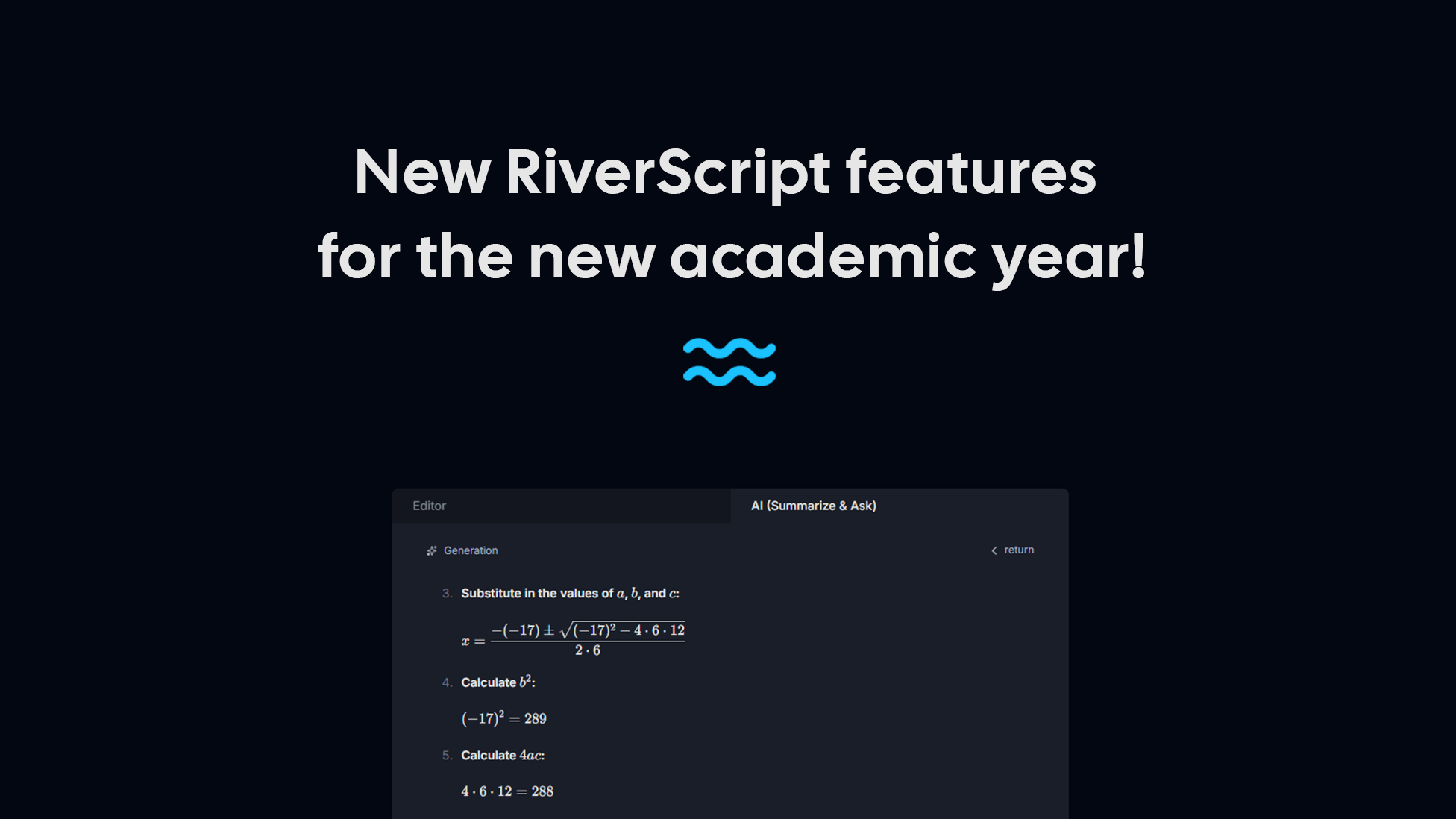
From now on, the AI (Summarize & Ask) tab supports Markdown formatting and, most importantly, the correct rendering of formulas, including mathematical and chemical formulas. Formulas in AI (Summarize & Ask) now look like formulas, lists look like lists, and bold text looks like bold text – making our AI genuinely convenient to use for students.
At the same time, formulas in transcripts inside the built-in RiverScript editor are still displayed as plain words. This is due to the format in which all AI transcription models currently return text. However, you can always open the AI (Summarize & Ask) tab and ask the AI to write out the formulas for you. In AI responses, formulas are rendered exactly as you would expect and in a format that is convenient to work with.
Formulas also support copying and pasting, so you can copy them directly from AI responses and paste them into, for example, Obsidian or Notion – they will be pasted in exactly the same format.
We have released RiverScript Desktop client v. 1.2.5 and also updated the web application. Several small bugs have been fixed, along with a number of improvements, including:
- In the Desktop client, clicking the folder icon on a file card now opens the folder and automatically selects the specific file, so you no longer have to search for it manually.
- File renaming has been improved – renaming a recording in RiverScript now also renames the corresponding local file on your computer.
- The application authentication process across different browsers has been improved.
We wish all our student users a great start to the new academic year and hope RiverScript helps you study more productively and comfortably!